Installation of new sensors and RTUs in the field requires on-site verification that everything is functioning properly. RTUBlue™ is a local Bluetooth communication link that allows installers and users to view real-time Enetics RTU sensor data, assign names to sites and channels, and to initiate and track the progress of cellular data calls to the cloud using the RTUBlue app on their cell phones.
RTUBlue will search the local area for Enetics RTU’s, such as a GasTrack or GasPoint. After discovering one or more RTUs, the serial numbers and optional user derived “tag names” or nicknames of each RTU will be displayed. A user can then select one of the displayed serial numbers or names, and RTUBlue will connect to that particular RTU.
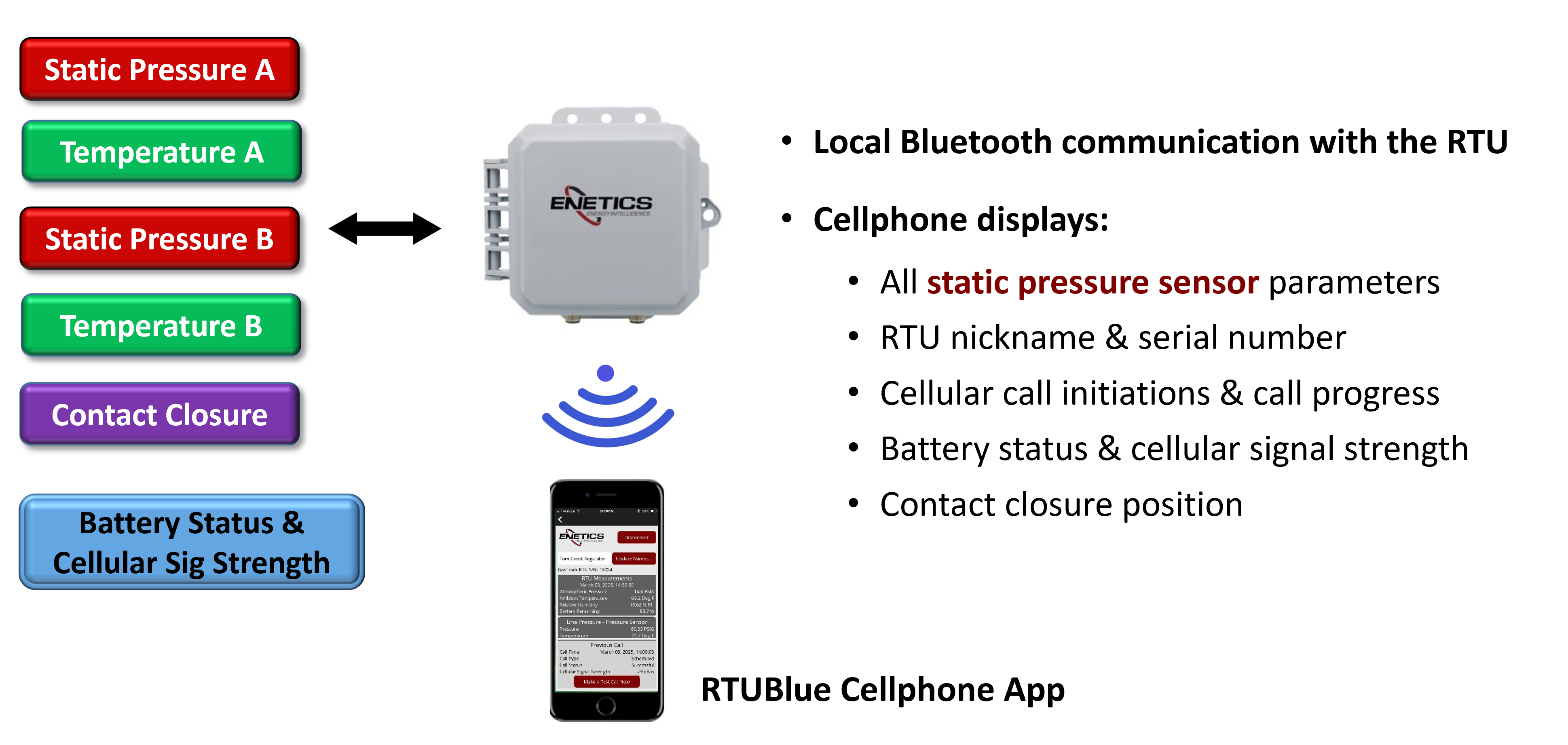
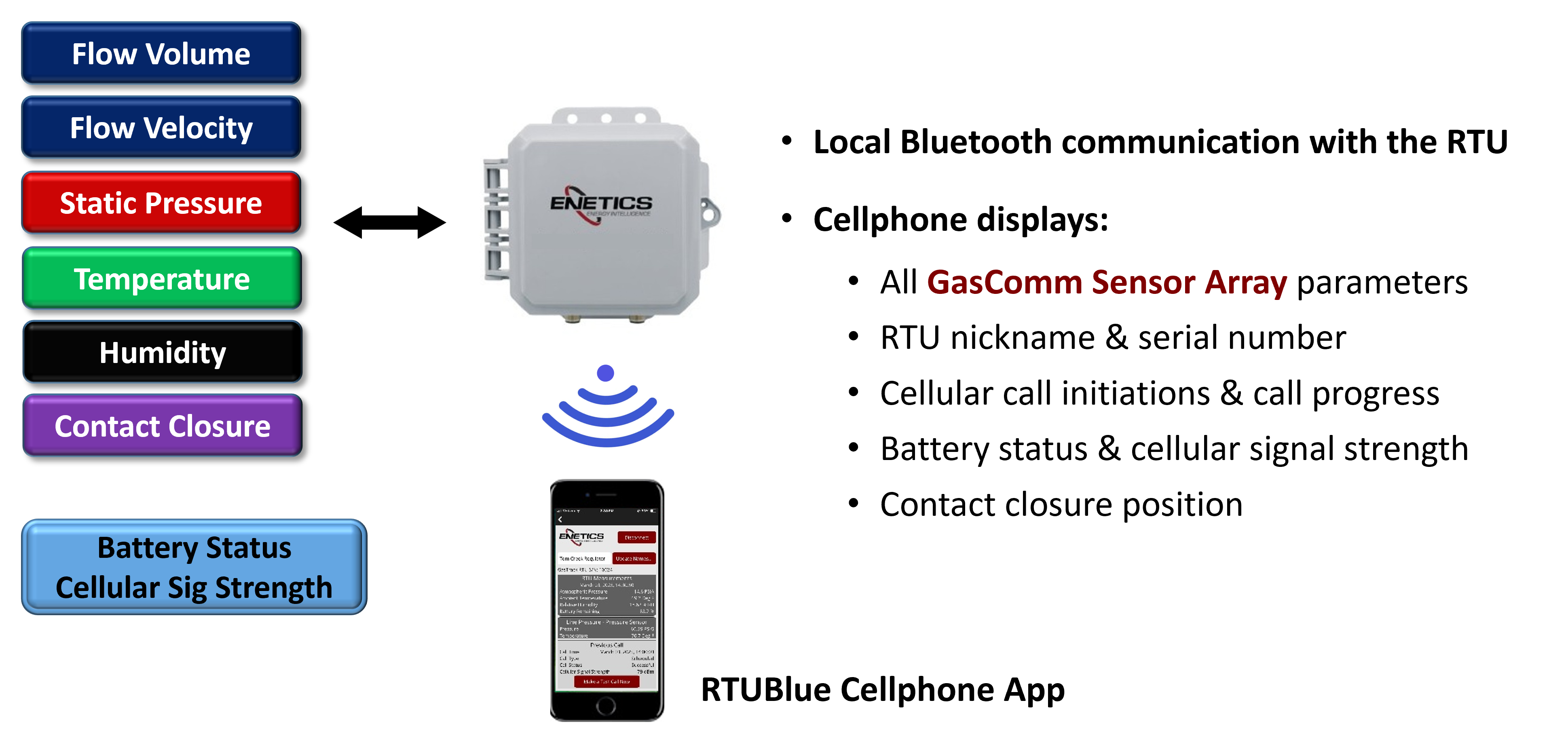
Once connected with an RTU, real-time readings are displayed, including metrics such as pressure, temperature, relative humidity, battery capacity, the status of the last cellular call, and if enabled, the current status of any contact closures being monitored, such as the position of a slam shut valve. Users can create or change RTU tag names and assign names to individual channels. Cellular data calls can be initiated, and the progress of the call can be monitored locally.
Depending on which Enetics sensors are connected, RTUBlue will display the appropriate sensor information as well as the common data including call progress, cellular signal strength, local temperature and humidity and battery status as shown below. The User Guide for RTUBlue can be obtained by calling Enetics Sales.
GasComm Sensor Array
Static Pressure Sensors