The VERIFI Remote Pressure Monitoring System from Enetics is a cloud-connected, cellular-based solution that transforms how utilities and contractors monitor natural gas pipeline pressure during maintenance and repair operations. Using small remote telemetry units (RTUs), a secure cloud infrastructure, and an easy-to-use cellular phone app, VERIFI delivers complete real-time pressure site status to the entire team—including alerts and alarms—improving crew safety, verifying pressure continuity, and dramatically simplifying field operations regardless of the number of sites involved.
The EneticsVERIFI™ phone and web application allows workers to see, in real time, pressure readings during pipe maintenance. 1-second reading updates means that teams can respond immediately to any problems during repairs, maintenance, or other pipeline jobs.
The VERIFI Cellphone App
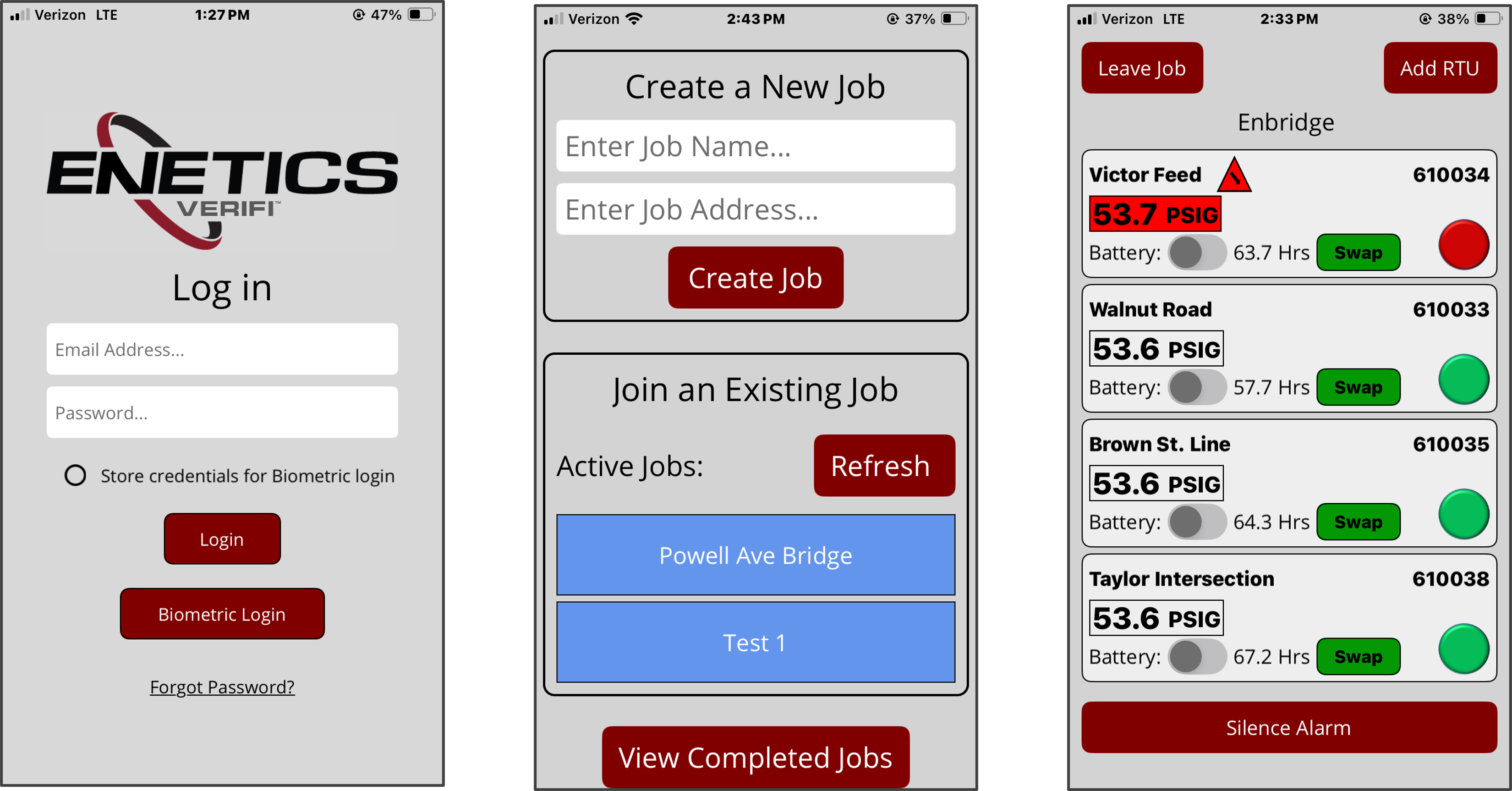
The VERIFI cellphone app is available for both iPhones and Android and can be downloaded from the App Store or the PlayStore. This App is used by the crews in the field to monitor all the pressures of interest from one location, regardless of distance. The App allow you to:
- Create and name a New Job or join an existing Job
- Activate RTUs to the Job with nicknames and configure various alarm and warning thresholds
- Monitor the repair Job pressures (1 second pressure updates from the cloud)
- Activate the battery saver mode if required to reduce battery consumption (30 sec updates)
The log-in screen provides the option to use biometric methods (fingerprint or facial recognition) or standard username and password methods. Once logged in, either an existing Job can be joined or a new Job named and created. A few screen examples are shown below. The EneticsVERIFI User Manual can be obtained by contacting Enetics Sales.
The EneticsVERIFI.com Website
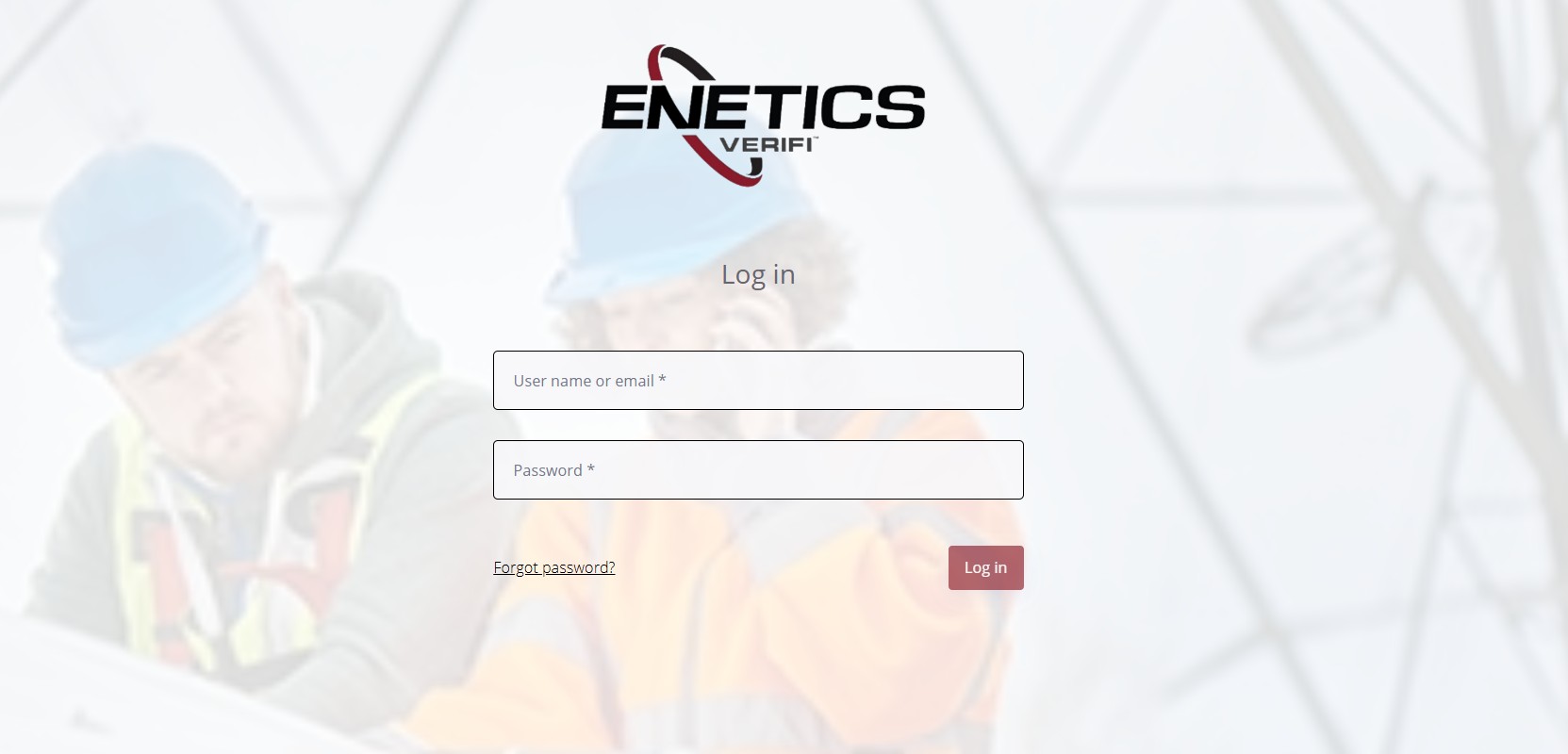
Access to the website requires a Username and password issued by the System Administrator. Password changes can also be requested directly from the login page. NOTE: This username and password is the same one used for the VERIFI cellphone App.
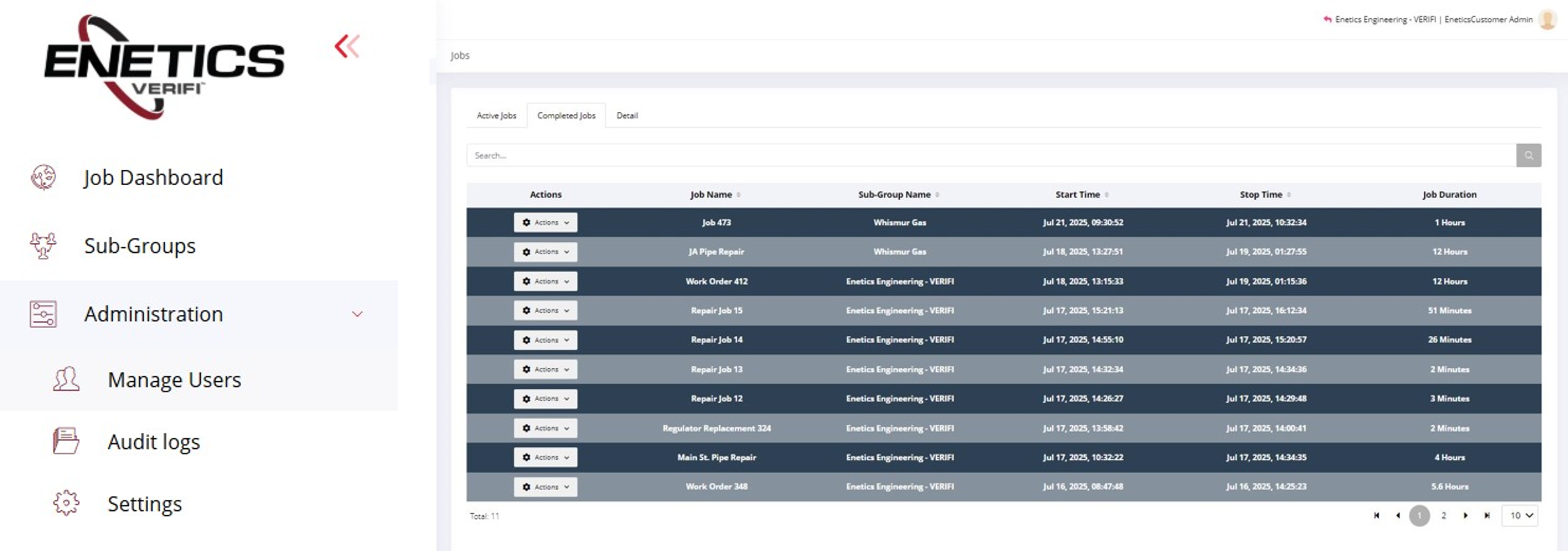
The navigation menu is in the upper left corner of the opening screen. By default, the Job Dashboard appears first (shown below). This page contains tabs at the top to view either active or completed Jobs, including Job names, locations, users, time stamps, and pressure data. Additional pages—such as SubGroup Management and Administrative Status and Details are also available but are only visible to the System Administrator and Managers. SubGroup Users are segregated from each other and will only have visibility to the Job Dashboard. Similar to the VERIFI cellphone App, System Administrators and Managers will have complete access to SubGroup generated data. The EneticsVERIFI User Manual can be obtained by contacting Enetics Sales.